
8 Essential AI Tools for Business Analyst Success in 2025
Artificial intelligence is reshaping the way organizations approach business analysis. As we look toward 2025, companies that adopt the latest ai tools for business analyst roles will gain a clear advantage in speed, accuracy, and strategic insight.
This article reveals the eight most essential AI solutions every forward-thinking analyst should know. You will discover each tool’s standout features, unique benefits, pricing, and best use cases, making it easy to select the right fit for your business challenges.
Ready to future-proof your analytics workflow? Explore the tools that will transform your daily work and help you make smarter, data-driven decisions.
The Evolving Role of AI in Business Analysis
Artificial intelligence is rapidly reshaping the landscape of business analysis. The rise of advanced data platforms and automation is empowering professionals to work more efficiently and uncover deeper insights. Today, organizations are searching for the best ai tools for business analyst tasks, aiming to stay ahead in a competitive market.
The Shift from Traditional to AI-Driven Analysis
Business analysis has undergone a dramatic transformation. In the past, analysts relied on spreadsheets and manual data entry, spending hours cleaning and preparing data. With the introduction of ai tools for business analyst roles, much of this tedious work is now automated. Analysts can focus on interpretation and strategy rather than repetitive tasks.
The demand for real-time insights, predictive modeling, and automated reporting has surged. AI platforms now enable companies to access live data, spot trends quickly, and make informed decisions with greater speed. For example, modern AI solutions can automatically cleanse datasets, identify anomalies, and generate visual reports, freeing analysts to tackle higher-level business challenges.
According to industry reports, 75% of organizations plan to increase AI spending for analytics by 2025. This surge in investment highlights a growing recognition of AI's ability to reduce human error and accelerate decision-making cycles. For more detailed projections, see AI adoption statistics for 2025. As a result, the role of the business analyst is shifting from data wrangler to strategic advisor, with AI as a core partner in the process.
Key Benefits of AI Tools for Business Analysts
The integration of ai tools for business analyst work offers a host of advantages. Enhanced data visualization and storytelling capabilities help analysts present findings more clearly to stakeholders. Interactive dashboards and automated charts turn complex data into compelling narratives.
Predictive analytics is another major benefit. AI models can forecast trends, anticipate risks, and enable scenario planning, allowing businesses to act proactively. Automated reporting and anomaly detection mean that issues are flagged in real time, supporting a more agile response to business changes.
Natural language processing speeds up requirements gathering and improves communication between teams. AI tools also integrate seamlessly with various data sources, from spreadsheets to cloud databases, creating a unified environment for analysis. These improvements not only streamline workflows but also elevate the overall impact of business analysis within organizations.
Challenges and Considerations
Despite the clear advantages, adopting ai tools for business analyst responsibilities comes with challenges. The learning curve for mastering new platforms can be steep, requiring ongoing training and change management. Data privacy, security, and compliance are critical concerns, especially as organizations handle larger and more diverse datasets.
Balancing automation with human expertise is essential. While AI excels at repetitive, data-heavy tasks, human judgment is still needed for interpretation and strategic decision-making. Building trust in AI outputs requires transparency and explainability, particularly when presenting findings to stakeholders.
Successful adoption stories often involve incremental implementation, strong leadership, and clear communication about the value of AI. Common pitfalls include underestimating the complexity of integration or neglecting user training. By addressing these challenges thoughtfully, business analysts can harness the full power of AI to drive smarter, faster decisions.
8 Essential AI Tools for Business Analyst Success in 2025
The landscape of ai tools for business analyst roles is rapidly expanding, offering a new level of efficiency, insight, and automation. In this section, we’ll dive into eight standout platforms that are transforming how business analysts work in 2025.
These ai tools for business analyst functions cover everything from predictive analytics and data visualization to chatbot automation and text analysis. Each tool is profiled with its core features, pricing, benefits, and best-fit scenarios, helping you pinpoint the right solution for your needs. To further explore the latest platforms, check out this AI Tools Category Overview for curated insights.
ToolStacked
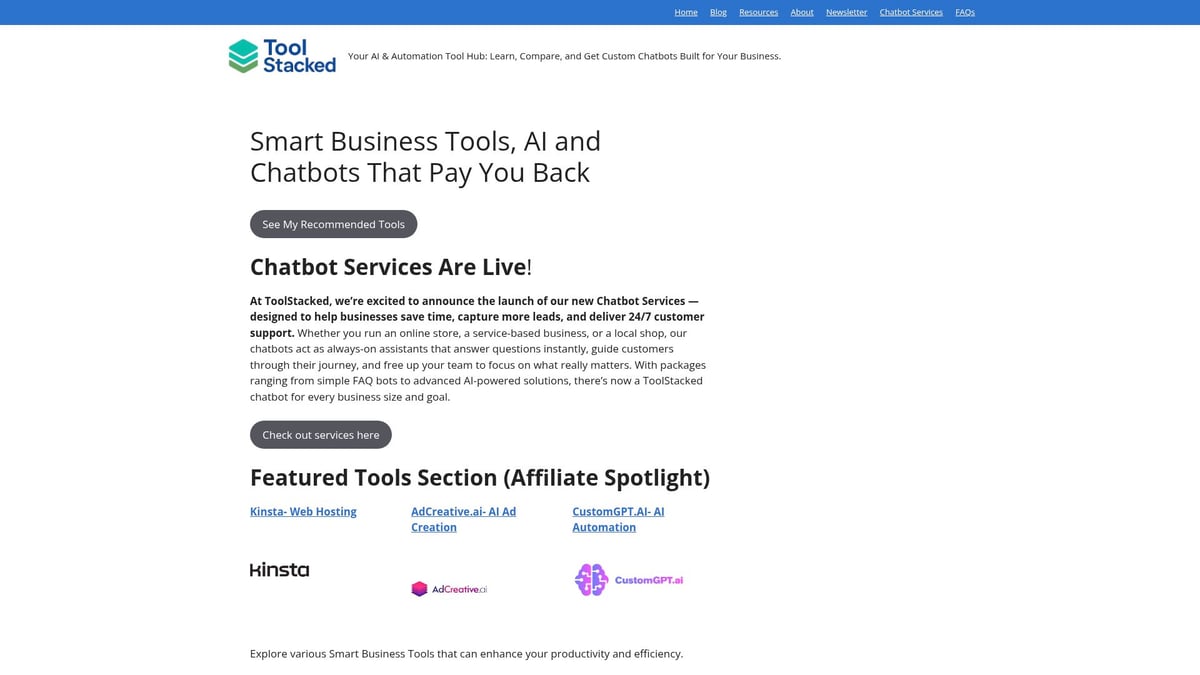
ToolStacked is a specialized platform designed as a centralized hub for discovering, comparing, and deploying ai tools for business analyst needs. It offers curated reviews of the latest AI and automation solutions, making it easier to select and implement the right tools.
Core Features:
- Curated reviews of AI and automation tools
- Custom chatbot development, from simple FAQ bots to advanced AI-driven assistants
- Educational resources and continuous updates
Key Benefits:
ToolStacked streamlines the process of selecting ai tools for business analyst workflows. It saves time, enhances customer engagement, and enables tailored automation without technical complexity.
Target Audience:
- Small to medium-sized businesses
- Entrepreneurs
- E-commerce and service-based companies
Pros:
- Personalized chatbot services
- Business-focused tool reviews
- Up-to-date learning resources
Cons:
- Custom chatbot pricing not listed upfront
- May require consultation for tailored solutions
Ideal Use Cases:
Businesses seeking to automate support, lead generation, and customer engagement without deep technical knowledge will benefit most from ToolStacked’s ai tools for business analyst applications.
Akkio
Akkio is a user-friendly AI platform that empowers users to build and deploy ai tools for business analyst projects without writing code. It focuses on predictive analytics, classification, and visualization.

Core Features:
- Automated machine learning
- Drag-and-drop interface
- Real-time forecasting and lead scoring
Pricing:
- Free trial available
- Paid plans from $49/month
Key Benefits:
Akkio enables rapid model creation and testing for ai tools for business analyst use, even for those without technical backgrounds. It supports sales, marketing, and operational forecasting.
Target Audience:
- Analysts
- Marketers
- Business leaders seeking quick insights
Pros:
- Intuitive and fast deployment
- Integrates with spreadsheets and cloud data
Cons:
- Limited advanced customization
- May not suit complex enterprise needs
Example Use Case:
Building demand forecasts for retail or scoring leads for marketing campaigns are classic scenarios for Akkio’s ai tools for business analyst offerings.
Tableau
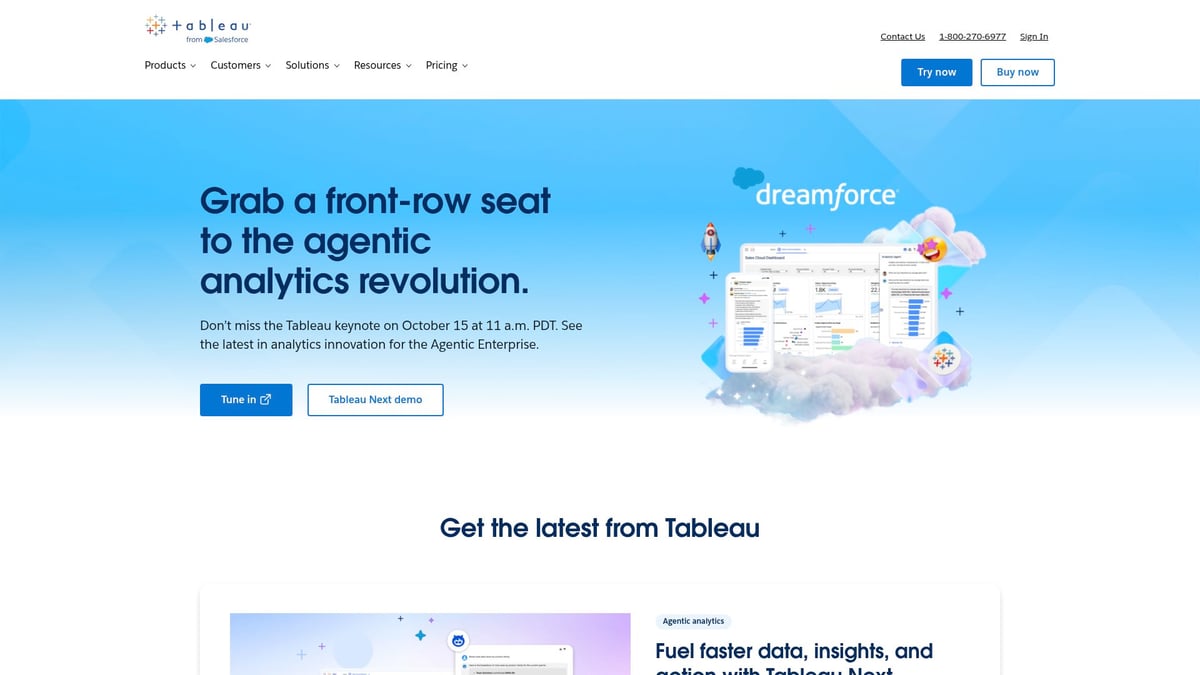
Tableau stands out as a leading data visualization and analytics platform, leveraging AI to convert complex data into actionable insights. It is a go-to choice for ai tools for business analyst professionals focused on visual storytelling.
Core Features:
- Drag-and-drop dashboard builder
- VizQL engine
- AI-powered data storytelling
- Accelerators for quick setup
Pricing:
- Creator plan $70/month
- Explorer $42/month
- Viewer $15/month (billed annually)
Key Benefits:
Tableau transforms raw data into interactive dashboards, making it easier for ai tools for business analyst users to communicate findings to stakeholders.
Target Audience:
- Business analysts
- Data teams
- Executives needing interactive reports
Pros:
- User-friendly for non-coders
- Robust integrations
- Strong community support
Cons:
- Steeper learning curve for advanced features
- Higher cost at the enterprise level
Example Use Case:
Creating real-time KPI dashboards for executive decision-making is a prime example of Tableau’s ai tools for business analyst capabilities.
Qlik Sense
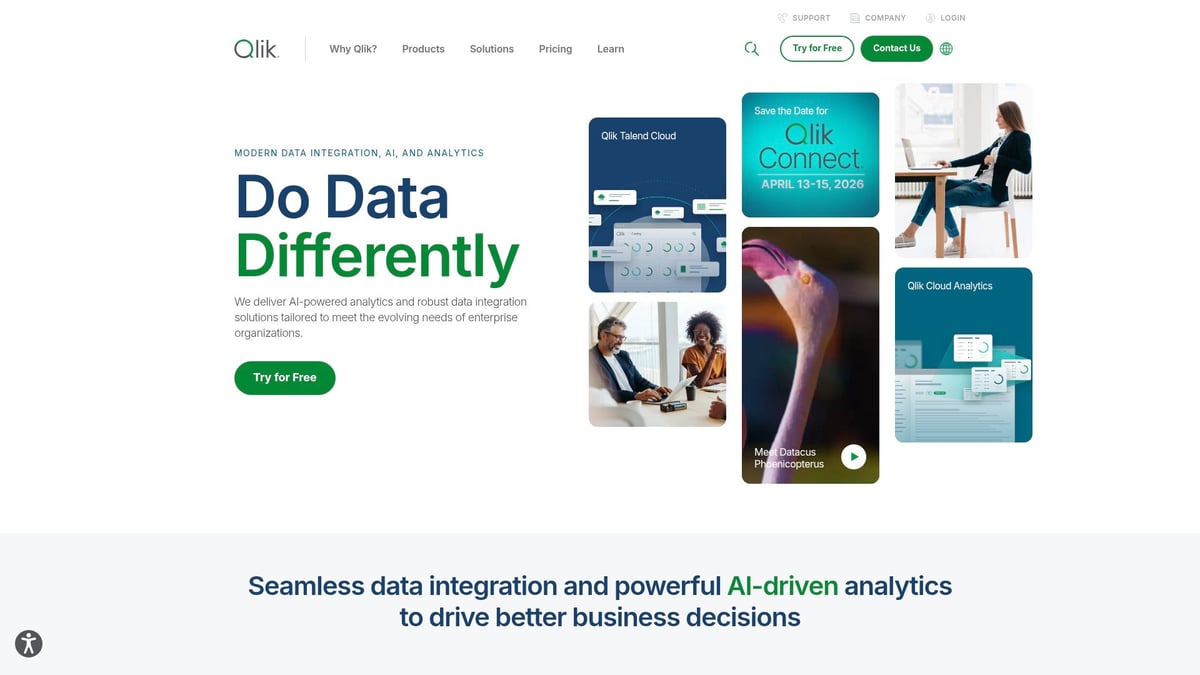
Qlik Sense is an advanced analytics platform known for its associative data engine and AI-powered insights. It allows deep exploration of data, making it a favorite among ai tools for business analyst users who need flexibility.
Core Features:
- Augmented analytics
- Predictive modeling
- Customizable dashboards
- Embedded analytics
Pricing:
- Standard plan from $30/user/month
- Enterprise pricing available
Key Benefits:
Qlik Sense excels at uncovering hidden relationships in data. Its ai tools for business analyst users can quickly perform root cause analysis and fast hypothesis testing.
Target Audience:
- Analysts requiring in-depth data exploration
- Cross-table analysis teams
Pros:
- Flexible data modeling
- Powerful visualizations
- Associative exploration
Cons:
- Learning curve for new users
- Premium features require higher-tier plans
Example Use Case:
Investigating sales trends and anomalies across multiple business units is ideal for Qlik Sense’s ai tools for business analyst suite.
Julius AI
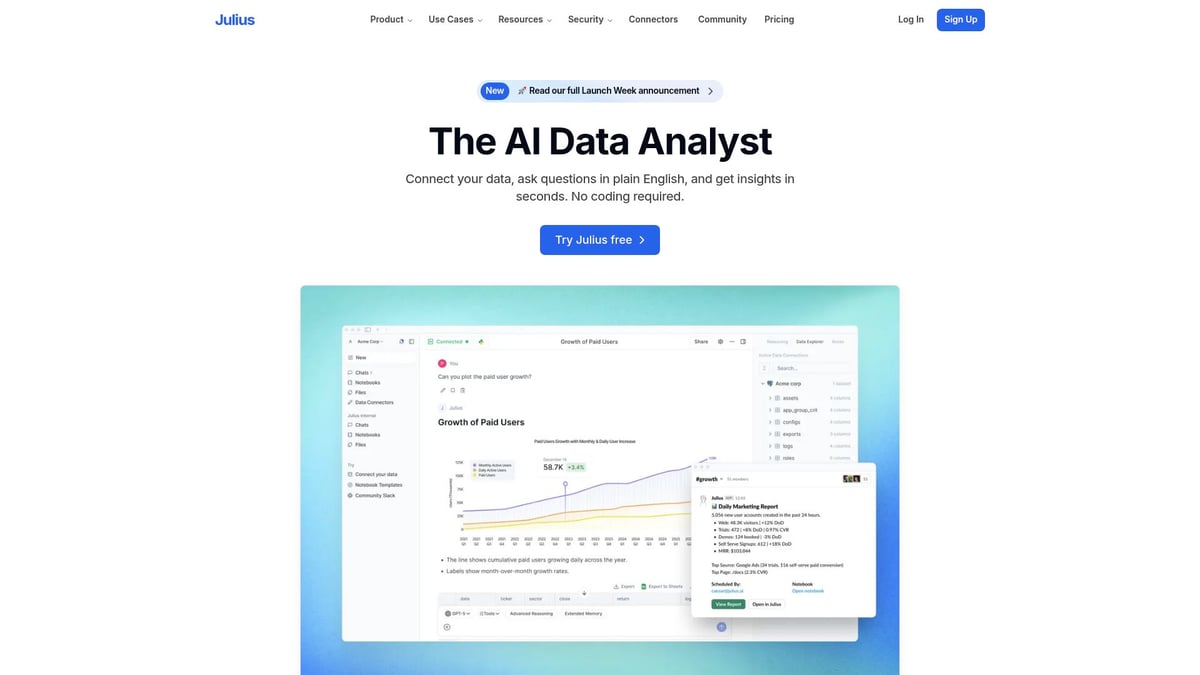
Julius AI is an analytics assistant that specializes in statistical analysis, predictive modeling, and data visualization. It leverages ChatGPT and other AI models to make advanced analytics accessible.
Core Features:
- AI chatbot interface
- Automated feature engineering
- Statistical tests (ANOVA, regression)
- Report generation
Pricing:
- Lite $20/month
- Standard $45/month
- Pro $60/month
- Team $70/member/month
Key Benefits:
Julius AI simplifies complex analytics, making it possible for non-coders to utilize ai tools for business analyst tasks such as A/B testing and regression analysis.
Target Audience:
- Business analysts
- Product managers
- Data-driven teams
Pros:
- Intuitive interface
- Strong statistical toolkit
- AI-powered chat support
Cons:
- Best for small to mid-sized teams
- Limited integration with some enterprise systems
Example Use Case:
Running automated A/B test analyses for product optimization demonstrates the power of Julius AI as one of the essential ai tools for business analyst roles.
Microsoft Power BI
Microsoft Power BI is a comprehensive business intelligence platform offering AI-powered analytics and deep integration with the Microsoft ecosystem. It’s a staple among ai tools for business analyst professionals in enterprise environments.

Core Features:
- Interactive dashboards
- Natural language queries
- Predictive analytics
- Scheduled reporting
Pricing:
- Power BI Pro $10/user/month
- Power BI Premium $20/user/month
Key Benefits:
Power BI provides seamless integration with Excel, Azure, and other Microsoft tools, making ai tools for business analyst applications scalable and secure.
Target Audience:
- Organizations using Microsoft products
- Enterprise analysts
- Report developers
Pros:
- Familiar interface for Excel users
- Scalable for large teams
- Strong data modeling
Cons:
- Some advanced features require premium plans
- Can be complex for beginners
Example Use Case:
Automated financial reporting and executive dashboards are common applications for Power BI as ai tools for business analyst success.
Polymer
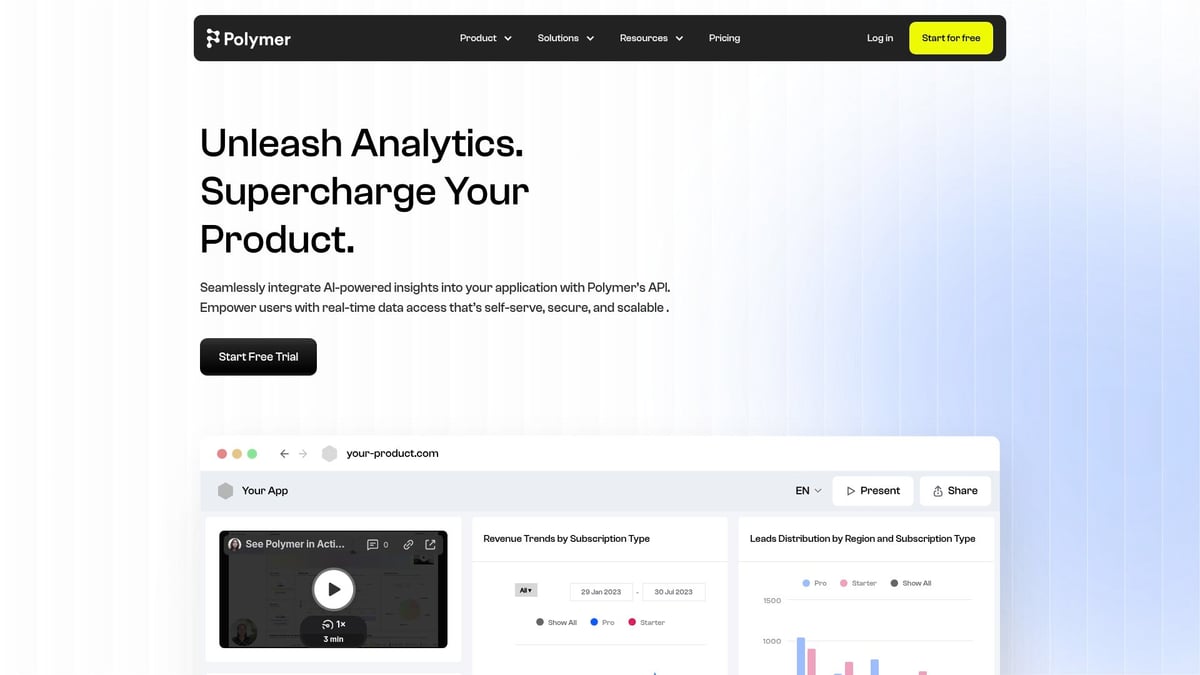
Polymer is a no-code business intelligence tool that transforms spreadsheets into interactive dashboards using AI-driven visualization. It’s perfect for rapid deployment of ai tools for business analyst needs.
Core Features:
- Automatic data transformation
- Instant dashboard creation
- Search-based analytics
Pricing:
- Free plan available
- Pro plan starts at $9/month
Key Benefits:
Polymer’s ai tools for business analyst workflows offer a low barrier to entry, especially for teams that rely on Excel or Google Sheets.
Target Audience:
- SMBs
- Entrepreneurs
- Teams needing fast, visual reporting
Pros:
- Quick setup
- Intuitive interface
- Affordable pricing
Cons:
- Limited advanced analytics
- Best for small to mid-sized data sets
Example Use Case:
Turning ad hoc sales spreadsheets into live dashboards for weekly team meetings is a classic use of Polymer’s ai tools for business analyst features.
MonkeyLearn
MonkeyLearn is an AI-powered text analytics platform focused on sentiment analysis, topic classification, and customer feedback insights. It is a top choice among ai tools for business analyst tasks involving unstructured data.

Core Features:
- Pre-trained and custom machine learning models
- Visual reporting
- API integrations
Pricing:
- Free trial available
- Paid plans from $299/month
Key Benefits:
MonkeyLearn’s ai tools for business analyst users enable rapid sentiment analysis, automating text analysis and integrating with business platforms.
Target Audience:
- Analysts focused on customer experience
- Product feedback teams
- Support optimization teams
Pros:
- Easy to use
- Strong visualization output
- Customizable models
Cons:
- Higher entry price for advanced features
- Best for organizations with large text data volumes
Example Use Case:
Analyzing customer reviews to identify product improvement opportunities is a powerful example of MonkeyLearn’s ai tools for business analyst impact.
AI Tools Comparison Table
| Tool | Best For | Key AI Features | Pricing (from) |
|---|---|---|---|
| ToolStacked | Tool discovery, automation | Chatbots, reviews, resources | Custom |
| Akkio | Predictive analytics, no-code | AutoML, forecasting | $49/month |
| Tableau | Data visualization, dashboards | Storytelling, NLQ, VizQL | $15/month |
| Qlik Sense | Deep data exploration | Associative engine, modeling | $30/user/month |
| Julius AI | Statistical analysis, chatbots | ChatGPT, stats, reporting | $20/month |
| Power BI | Enterprise BI, Microsoft stack | Dashboards, NLQ, prediction | $10/user/month |
| Polymer | No-code dashboards | Auto-transform, search | $9/month |
| MonkeyLearn | Text analytics, feedback | Sentiment, classification | $299/month |
This comprehensive look at ai tools for business analyst success in 2025 highlights the breadth and depth of solutions available, ensuring every analyst can find the right fit for their evolving needs.
How to Choose the Right AI Tool for Your Business Analysis Needs
Selecting the right ai tools for business analyst success starts with understanding your unique business context. The journey involves evaluating your needs, comparing solutions, and balancing automation with expertise. Let us break down the process into manageable steps to ensure a strategic, future-ready analytics stack.
Assessing Your Requirements and Data Environment
Begin by clarifying your core business challenges. Are you looking for better reporting, predictive analytics, or customer feedback analysis? Consider the structure and size of your data, such as spreadsheets, databases, or cloud platforms. Evaluate your team's technical skills. If coding is a barrier, prioritize no-code ai tools for business analyst use.
Integration matters, too. Make a checklist of your current systems, like CRM or cloud storage, and look for tools that connect seamlessly. For those interested in tailored automation, explore resources like Building Custom AI Agents to see how custom solutions can fit into your workflow.
Comparing Features, Pricing, and Usability
Once you know your needs, compare features across platforms. Prioritize essentials such as predictive models, visualization, and NLP. Review pricing models carefully, checking for free trials or subscription tiers. Usability is key: does the tool offer onboarding support, tutorials, or a user community?
Use a simple comparison table to weigh your options:
| Feature | Tool A | Tool B | Tool C |
|---|---|---|---|
| Predictive | ✔ | ✔ | ✖ |
| Visualization | ✔ | ✔ | ✔ |
| No-code | ✔ | ✖ | ✔ |
Scalability and future growth should guide your selection of ai tools for business analyst teams.
Balancing Automation and Human Judgment
Automation excels at handling repetitive, data-heavy tasks. However, human insight remains crucial for interpreting results and making strategic decisions. When using ai tools for business analyst work, ensure outputs are explainable and transparent.
Encourage your team to pair automated processes, like anomaly detection, with manual review for deeper analysis. This balance drives trust and maximizes value from AI investments.
Real-World Selection Scenarios
Consider a retail analyst evaluating Akkio for rapid demand forecasting versus Tableau for interactive dashboards. Each scenario highlights the importance of aligning tool capabilities with business goals. Startups may favor tools like Polymer for instant dashboards, while enterprises might need Power BI for robust reporting.
To see how AI is transforming business analysis in practice, review this overview of AI tools transforming business analysis.
Future-Proofing Your Analytics Stack
Choose ai tools for business analyst needs that show strong vendor support and an active user community. Regular updates and compliance with privacy standards ensure your analytics stack stays relevant.
Remain agile by monitoring emerging tools and features. As your business evolves, your AI solutions should adapt, enabling you to lead in a fast-changing analytics landscape.
Maximizing Value from AI Tools: Best Practices for Business Analysts
Unlocking the full potential of ai tools for business analyst roles requires more than just implementation. To truly maximize value, business analysts must foster a culture of innovation, integrate AI into daily operations, and ensure data-driven decisions are both robust and adaptive. Below are proven practices for getting the most from your AI investments.
Building an AI-Driven Analytics Culture
Developing an AI-driven analytics culture starts with continuous learning. Encourage your team to explore new ai tools for business analyst work, attend internal workshops, and share discoveries.
Promote pilot projects and experimentation so analysts can test new features without fear of failure. Recognize both successes and lessons learned to drive organization-wide adoption.
Integrating AI Tools into Daily Workflows
Seamlessly embedding ai tools for business analyst routines transforms productivity. Automate repetitive reporting, data cleansing, and visualization tasks to free up time for strategic work.
Chatbot solutions are especially valuable for requirements gathering and stakeholder communication. For example, explore Chatbots and Automation Services to integrate conversational AI into your workflow.
Ensuring Data Quality and Governance
Reliable insights depend on maintaining high data quality. Every ai tools for business analyst workflow should include validation checks, clear documentation, and access controls.
Document data sources, models, and outputs to support transparency and compliance. Prioritize security by monitoring regulatory requirements and updating protocols as needed.
Measuring ROI and Impact
Demonstrate the impact of AI adoption by tracking KPIs before and after implementation. Measure time saved, forecast accuracy, or stakeholder satisfaction to quantify gains.
Collect user feedback regularly to fine-tune tool selection and configuration. For more on industry-wide results, review AI statistics shaping business in 2025 for benchmarks and emerging trends.
Staying Ahead: Continuous Optimization
Stay agile by monitoring new features, integrations, and AI tools. Participate in user communities, webinars, and industry events to stay informed.
Regularly review and refine workflows as your business and technology landscape evolve. Continuous optimization ensures your ai tools for business analyst strategy remains effective and future-ready.