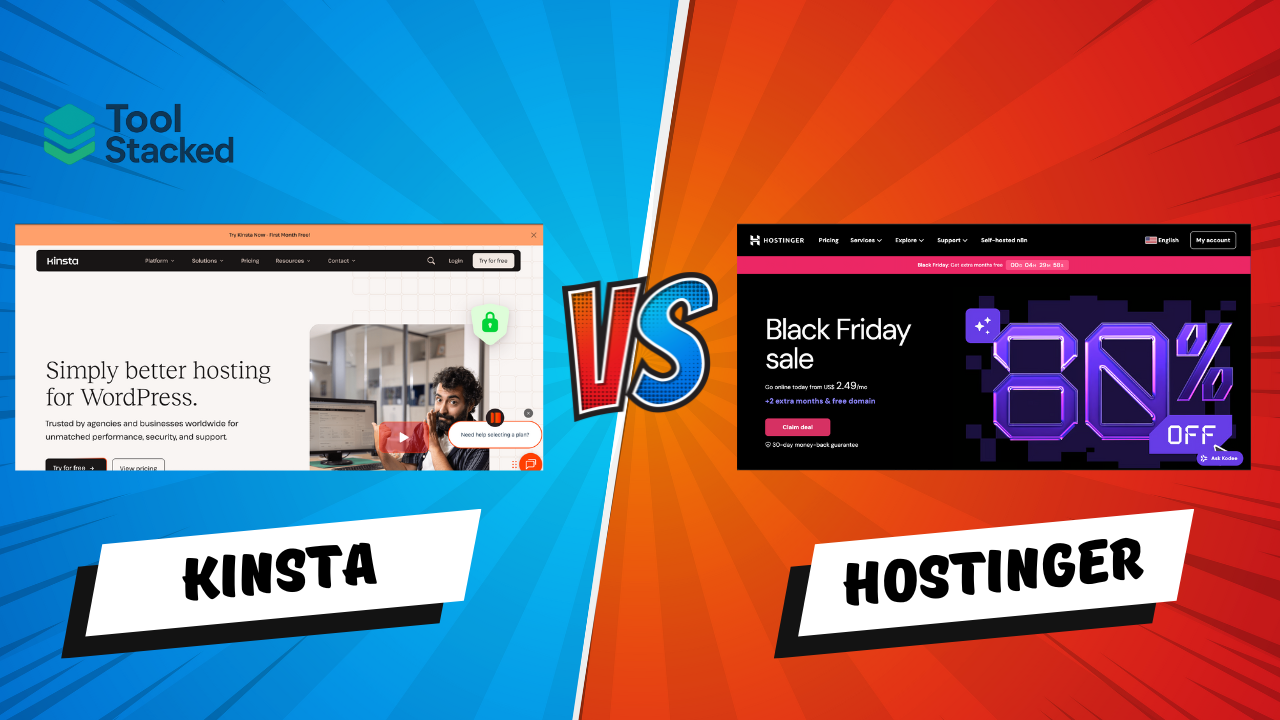
Kinsta vs. Hostinger (2025 Review): Which Web Hosting Platform Truly Delivers?
Introduction
Your website’s hosting platform is the backbone of your online business.
Speed, uptime, and reliability directly affect SEO, user experience, and revenue.
At ToolStacked, we’ve tested dozens of hosting providers — but two consistently rise to the top: Kinsta and Hostinger.
Both are fast, secure, and optimized for WordPress, but they serve slightly different audiences.
And here’s a transparent note — ToolStacked itself was built using Hostinger, giving us first-hand insight into its real-world performance.
Whether you’re a startup on a budget or a business ready for enterprise-grade hosting, this detailed comparison will help you choose the best fit — and highlight a limited-time Black Friday offer from Kinsta you won’t want to miss.
Overview: Kinsta vs Hostinger
| Feature | Kinsta | Hostinger |
| Hosting Type | Managed WordPress (Google Cloud) | Shared, Cloud, VPS, WordPress |
| Ideal For | Businesses, agencies, dev teams | Freelancers, startups, bloggers |
| Starting Price | $30 / month | $2.99 / month |
| Free Domain | ❌ No | ✅ Yes (1 year) |
| CDN | ✅ Cloudflare Enterprise | ✅ Cloudflare CDN |
| Uptime Guarantee | 99.9 % | 99.9 % |
| Customer Support | 24 / 7 Expert Chat | 24 / 7 Chat + Email |
| Data Centers | 35 + (Google Cloud) | 10 + worldwide |
| ToolStacked Score | ⭐ 4.8 / 5 | ⭐ 4.4 / 5 |
Performance and Speed
Performance is where hosting separates amateurs from pros.
Kinsta uses the Google Cloud Platform, running every site in an isolated container — the same infrastructure powering YouTube and Gmail.
Hostinger, meanwhile, leverages LiteSpeed servers and Cloudflare caching to deliver strong results for a fraction of the cost.
During ToolStacked’s testing period:
- Kinsta: Average load = 0.85 s
- Hostinger (ToolStacked site): Average load = 1.2 s
- Both maintained > 99.9 % uptime
Kinsta Highlights
- Google Cloud C2 VMs
- Cloudflare Enterprise CDN
- Server-level caching & auto-scaling
- Handles traffic spikes effortlessly
Hostinger Highlights
- LiteSpeed cache + CDN
- Performance dashboard & optimization tools
- Excellent results for small–mid sites
Verdict: Kinsta is faster at scale, but Hostinger provides exceptional value — especially proven by ToolStacked’s own performance metrics.
Pricing and Plans
Pricing philosophy: Hostinger = affordability, Kinsta = managed excellence.
Kinsta Pricing (2025)
| Plan | Monthly Cost | Key Features |
| Starter | $30 /mo | 1 site · 25 K visits · 10 GB storage |
| Pro | $60 /mo | 2 sites · 50 K visits |
| Business 1 | $100 /mo | 5 sites · 100 K visits |
| Business 2 + | $200 + /mo | Multi-site · priority support |
Kinsta Black Friday 2025 Deals
Between Nov 17 and Dec 2, Kinsta is offering its biggest promotion yet:
- 50 % off the first year on annual plans — perfect for long-term savings
- 50 % off the first 6 months on monthly plans — ideal for testing the waters
These discounts apply to all standard WordPress hosting plans, making November 2025 the best time ever to move to managed hosting.
💸 Hostinger Pricing (2025)
| Plan | Monthly Cost | Key Features |
| Single Web Hosting | $2.99 /mo | 1 site · 50 GB storage |
| Premium Hosting | $3.99 /mo | 100 sites · free domain · email |
| Business Hosting | $4.99 /mo | Daily backups · priority support |
| Cloud Startup | $9.99 /mo | Dedicated IP · enhanced performance |
Verdict: Hostinger dominates on affordability; Kinsta delivers premium value — and its Black Friday deal narrows the gap dramatically.
Features and Tools
Kinsta
- Daily backups (14–30 day retention)
- Free migrations & malware removal
- DevKinsta local dev suite
- Application & database hosting
- Staging environments
- Cloudflare Enterprise security
Hostinger
- AI Website Builder
- Free domain + email + SSL
- Weekly or daily backups
- WordPress acceleration plugin
- Custom hPanel dashboard
- Git + SSH access
Verdict: Kinsta caters to professionals and agencies; Hostinger simplifies hosting for entrepreneurs and creators — as proven by ToolStacked’s own setup.
Security
Kinsta: Cloudflare Enterprise firewall, DDoS mitigation, auto backups, uptime checks every 2 minutes, and free malware removal.
Hostinger: Cloudflare DDoS protection, SSL certificates, malware scanner, secure access manager.
Verdict: Kinsta offers enterprise-grade protection; Hostinger provides strong essentials for small businesses.
Ease of Use
Hostinger’s hPanel = simple and intuitive.
Kinsta’s MyKinsta = professional and data driven.
| Platform | Ease-of-Use Score |
| Hostinger | ⭐⭐⭐⭐⭐ |
| Kinsta | ⭐⭐⭐⭐ |
Verdict: Hostinger wins for beginners; Kinsta for developers and agencies.
Customer Support
Kinsta: WordPress-certified experts 24 / 7 via chat; responses < 1 minute.
Hostinger: 24 / 7 chat & email; AI assistant; tutorial hub.
Verdict: Kinsta’s team offers deep technical expertise, while Hostinger focuses on accessibility and quick responses.
Global Infrastructure
| Feature | Kinsta | Hostinger |
| Data Centers | 35 + (Google Cloud) | 10 + worldwide |
| CDN Partner | Cloudflare Enterprise | Cloudflare Basic |
| Caching | Edge + server-level | LiteSpeed |
| Architecture | Isolated containers | Shared / Cloud |
👉 Verdict: Kinsta offers enterprise reach; Hostinger delivers lean global performance for its price tier.
ToolStacked Scorecard
| Category | Kinsta | Hostinger |
| Performance | ⭐⭐⭐⭐⭐ | ⭐⭐⭐⭐ |
| Ease of Use | ⭐⭐⭐⭐ | ⭐⭐⭐⭐⭐ |
| Features | ⭐⭐⭐⭐⭐ | ⭐⭐⭐⭐ |
| Security | ⭐⭐⭐⭐⭐ | ⭐⭐⭐⭐ |
| Support | ⭐⭐⭐⭐⭐ | ⭐⭐⭐½ |
| Pricing Value | ⭐⭐⭐ | ⭐⭐⭐⭐⭐ |
| Scalability | ⭐⭐⭐⭐⭐ | ⭐⭐⭐ |
| Overall Score | 4.8 / 5 | 4.4 / 5 |
Pros and Cons
Kinsta Pros
- Google Cloud infrastructure = elite speed
- Cloudflare Enterprise CDN included
- Free malware removal + daily backups
- Expert-level support
- Perfect for scaling brands
Cons
- Higher price (after promo period)
- No free domain or email
- Overkill for small projects
Hostinger Pros
- Extremely affordable
- Free domain + SSL + email
- Beginner-friendly AI site builder
- Proven ToolStacked use case
- Solid uptime & speed
Cons
- Limited advanced features
- Fewer integrations for agencies
- Scaling requires manual tuning
Best Fit by Use Case
| Use Case | Best Option |
| First website or side project | Hostinger |
| Agency / corporate site | Kinsta |
| Budget hosting with AI builder | Hostinger |
| High-traffic WordPress site | Kinsta |
| Long-term scaling | Kinsta (annual deal) |
| Fast setup for creators | Hostinger |
ToolStacked Recommendation
Both Kinsta and Hostinger are excellent — just built for different audiences.
- Choose Kinsta if you want managed cloud performance and don’t mind a premium price. Its Black Friday 50 % off deal (Nov 17 – Dec 2) makes it the perfect time to upgrade.
- Choose Hostinger if you’re launching a new project or operating on a budget. ToolStacked itself runs on Hostinger, and we’ve experienced fast load times and smooth management from day one.
🏆 Kinsta: 4.8 / 5 — Best for Business and Scaling
💸 Hostinger: 4.4 / 5 — Best for Affordability and Ease of Use
Final Thoughts
Kinsta and Hostinger represent two ends of the modern hosting spectrum — premium cloud vs affordable shared efficiency.
If you need speed, security, and enterprise support, Kinsta’s Google Cloud infrastructure is worth the investment — especially with the current Black Friday promotion.
If you’re building your first digital brand or a content hub like ToolStacked, Hostinger is the perfect launchpad — budget-friendly, fast, and reliable.
Either way, the key is to build smarter — not harder with ToolStacked’s recommended AI and hosting stack.
🚀 Start Building Smarter Today
- Try Kinsta: Grab the 50 % Black Friday discount on annual or monthly plans (Nov 17 – Dec 2).
- Try Hostinger: Experience the same reliable platform that powers ToolStacked and save 20%.