
9 Essential Tools And Automation Trends For 2025
Businesses are experiencing a rapid transformation as tools and automation reshape how work gets done. The pace of technological change is accelerating, making it essential for companies to anticipate and adapt to automation trends heading into 2025. This article reveals the 9 most essential tools and automation trends that will define the future of business. From AI-driven platforms and workflow automation to next-generation chatbots, discover which innovations can help you future-proof your operations. Ready to boost efficiency and stay ahead of the curve? Explore the must-know trends and tools that will power success in the year ahead.
The Automation Landscape in 2025: What’s Changing?
The global landscape for tools and automation is evolving at an unprecedented pace. Across every industry, organizations are rethinking how they operate, spurred by a perfect storm of labor shortages, the normalization of remote work, and the relentless pursuit of efficiency. As we approach 2025, the conversation is no longer about whether to adopt automation, but how quickly and strategically it can be integrated to future-proof business operations.
Key Drivers and Global Shift
Several forces are accelerating the adoption of tools and automation worldwide. Labor shortages have pushed companies to seek alternatives that maintain productivity without adding headcount. The shift to remote work has highlighted the need for seamless digital workflows and reliable process automation. Efficiency is a top priority, as organizations look to do more with less and remain competitive in an increasingly digital economy.
Emerging Technologies and Data
A wave of new technologies is reshaping the landscape. Artificial intelligence, robotic process automation (RPA), low-code/no-code platforms, and the integration of IoT devices are making automation more accessible. According to Forrester, automation is expected to replace 16% of jobs by 2025, while Gartner estimates that 70% of organizations will implement AI-driven automation within their operations. In fact, recent research shows that AI-driven automation will handle 65% of administrative tasks by 2025, underscoring the growing reliance on intelligent solutions.
| Statistic | Source |
|---|---|
| 16% of jobs automated by 2025 | Forrester |
| 70% of organizations using AI automation | Gartner |
| 65% of admin tasks handled by AI automation | Growstack Blog |
Industry Impact and Challenges
Industries feeling the greatest impact from tools and automation include retail, finance, healthcare, and logistics. Retailers use smart checkout and inventory systems, while finance relies on automated compliance and fraud detection. Healthcare sees improved patient scheduling and diagnostics, and logistics benefits from real-time tracking and supply chain optimization.
However, the journey is not without obstacles. Integration complexity can slow deployment, data security remains a top concern, and workforce reskilling is essential as roles evolve. Businesses must balance innovation with risk management to ensure smooth adoption of new automation platforms.
Adaptability and New Business Models
In 2025, adaptability is the differentiator. Companies that invest in tools and automation are not only streamlining operations, but also unlocking entirely new business models. Continuous learning is crucial, as technology evolves and automation use cases expand. The focus shifts from simply increasing efficiency to enabling innovation, enhancing customer experiences, and staying ahead of disruptive trends. For organizations willing to embrace change, tools and automation are the catalysts driving growth and resilience in a rapidly changing world.
9 Essential Tools and Automation Trends for 2025
In 2025, the landscape of tools and automation is set to redefine how organizations operate. With innovation accelerating, businesses are turning to platforms that streamline workflows, power smarter decisions, and automate customer engagement. This curated list explores the nine most essential tools and automation trends shaping the future, helping you identify where to invest for efficiency, scalability, and competitive advantage.
ToolStacked: AI & Automation Hub
ToolStacked stands out as a comprehensive hub for businesses seeking the best tools and automation solutions. The platform curates top AI-driven resources, offering tailored chatbot development and in-depth tool reviews. Its educational guides empower users to master automation trends without getting lost in technical jargon.
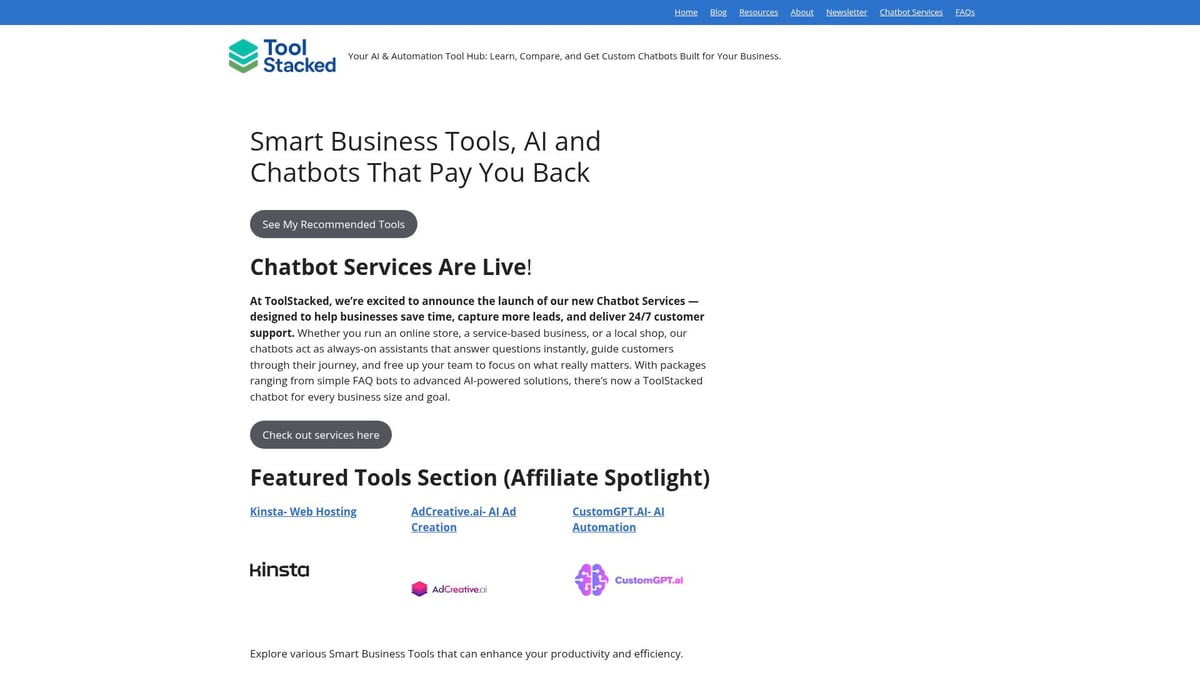
Key features include custom chatbot packages, actionable guides, and a resource-rich newsletter. Pricing is flexible, with free access to the resource hub and newsletter, while custom chatbot services are available via inquiry. ToolStacked’s approach saves time by providing a curated selection, making it easy to cut through the noise and focus on the most relevant tools and automation for your needs.
The platform is ideal for SMBs, entrepreneurs, e-commerce operators, and service-based businesses looking to automate customer support or discover new automation trends. Pros include personalized solutions and comprehensive resources, though some content is affiliate-based and custom pricing requires direct contact.
Whether you want to streamline operations or explore the latest in tools and automation, ToolStacked offers a roadmap to smarter business.
Pros and Cons Table:
| Pros | Cons |
|---|---|
| Personalized solutions | Custom chatbot pricing requires inquiry |
| Curated tool recommendations | Some resources are affiliate-based |
Zapier
Zapier remains a leader in no-code workflow automation, empowering users to connect over 6,000 apps with ease. Its intuitive drag-and-drop interface and multi-step automation capabilities make it a favorite among businesses aiming to boost productivity.
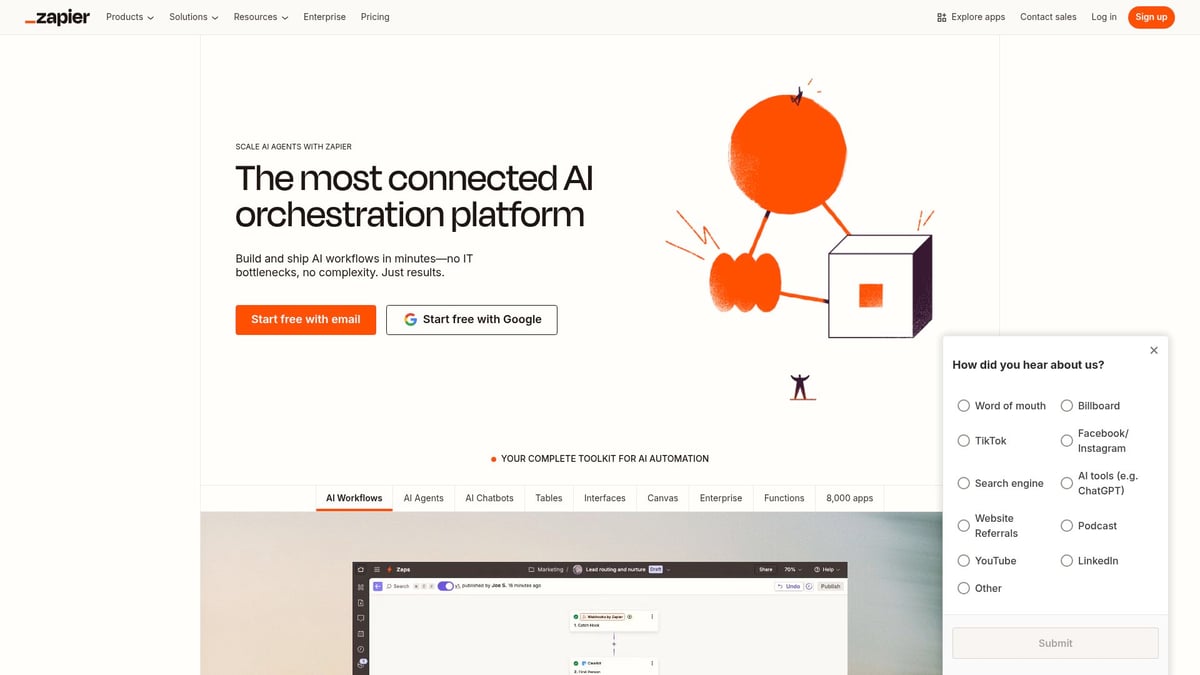
With Zapier, you can automate repetitive tasks, synchronize data across platforms, and trigger complex workflows using conditional logic. The platform offers a free tier for basic needs, with paid plans starting at $19.99/month for advanced features. The broad app ecosystem ensures compatibility with nearly every major SaaS tool, making it a central player in the tools and automation ecosystem.
Zapier’s target audience spans SMBs, marketers, and teams juggling diverse software stacks. The platform is praised for its scalability and user-friendly approach, though advanced functionalities are reserved for higher-tier plans and occasional integration hiccups can occur.
For automating lead capture, syncing customer data, or connecting disparate apps, Zapier is a reliable choice among modern tools and automation solutions.
Common Use Cases:
- Automating email marketing workflows
- Syncing CRM data with marketing platforms
- Streamlining e-commerce order processing
UiPath
UiPath is an enterprise-grade Robotic Process Automation (RPA) platform trusted by global organizations. Its AI-powered automation tools and process mining capabilities enable businesses to automate intricate, multi-step operations at scale.
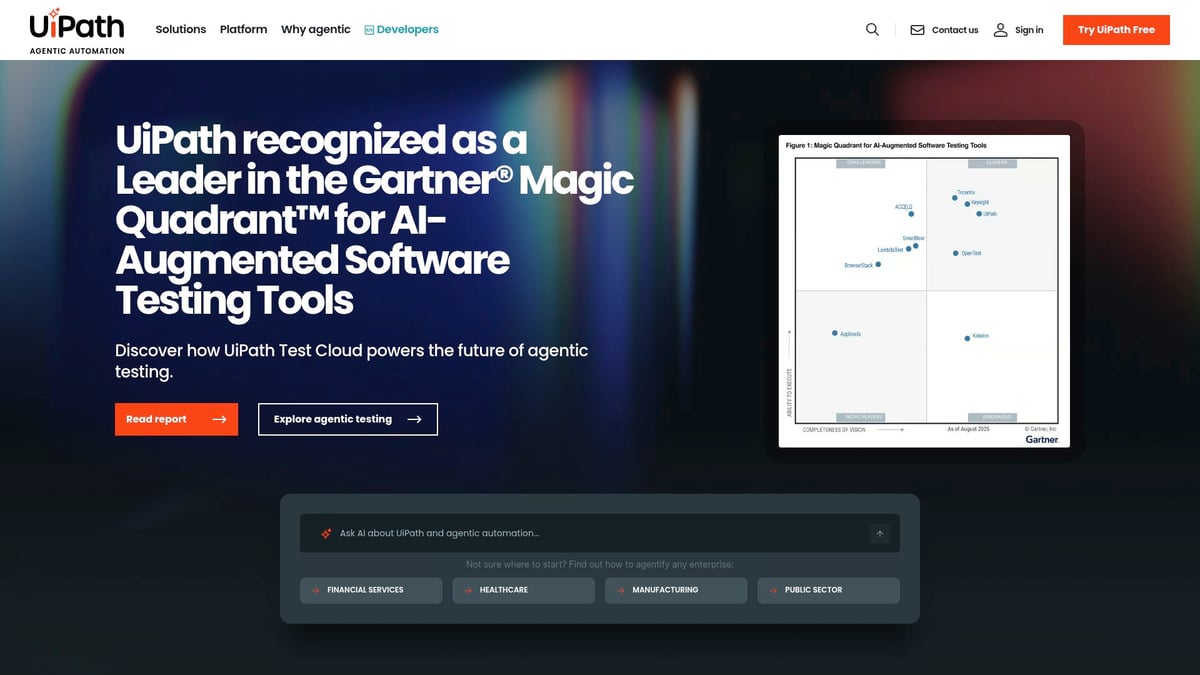
UiPath supports both attended and unattended bots, allowing seamless automation of back-office tasks, compliance workflows, and invoice processing. The platform’s robust security and analytics features are tailored for large enterprises, IT departments, finance, and healthcare sectors.
Pricing is customized to enterprise needs, reflecting the platform’s advanced capabilities. While UiPath offers extensive training resources, the initial learning curve and higher investment may be challenging for some organizations.
UiPath’s comprehensive approach positions it as a cornerstone in tools and automation for complex, regulated industries. By reducing manual work and ensuring compliance, it empowers companies to focus on strategic growth.
Pros and Cons Table:
| Pros | Cons |
|---|---|
| Comprehensive RPA features | Steep learning curve |
| Strong analytics | Higher initial investment |
Make (formerly Integromat)
Make, previously known as Integromat, is a visual automation builder designed for users who require advanced, customizable workflows. Its drag-and-drop interface allows for detailed scenario building, supporting complex logic and multi-app synchronization.
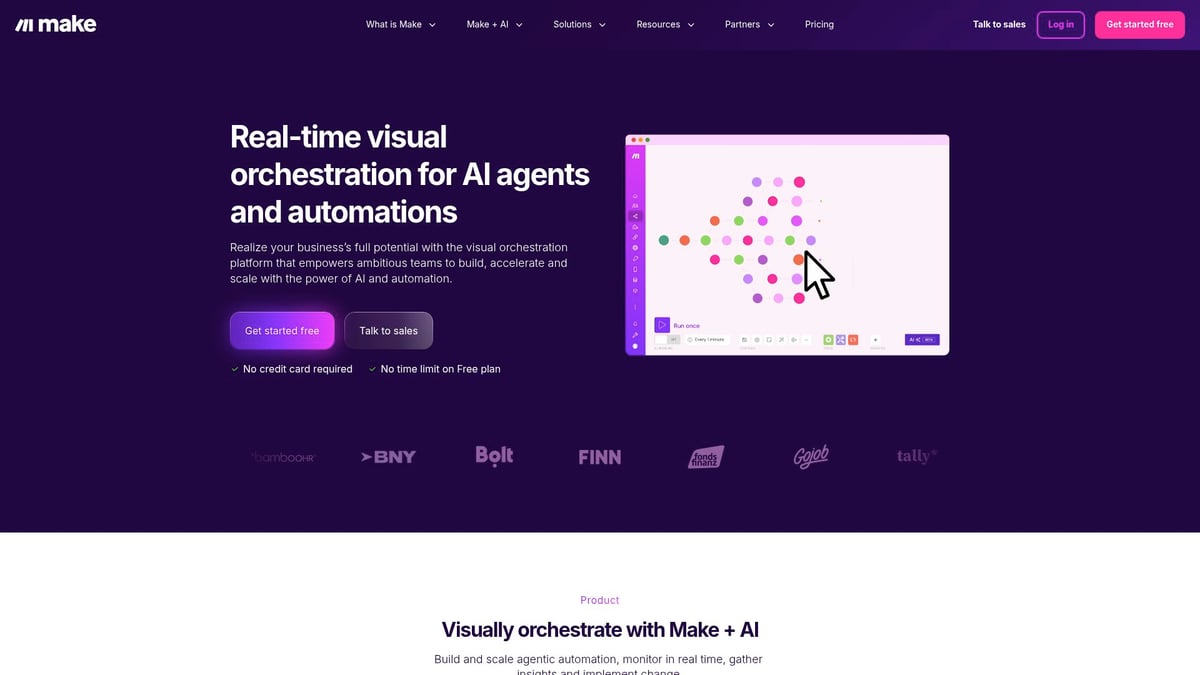
Make’s free tier is generous, while paid plans begin at $9/month, making it accessible for businesses of all sizes. The platform excels in data manipulation, custom modules, and detailed documentation, making it a favorite among developers, agencies, and businesses with unique automation needs.
Despite its flexibility, Make’s interface may feel overwhelming to beginners, and certain API limitations occasionally arise. However, for those seeking advanced tools and automation, Make stands out as a cost-effective and powerful solution.
Ideal Use Cases:
- Data processing and transformation
- Multi-app synchronization
- Implementing custom business logic workflows
CustomGPT.AI
CustomGPT.AI redefines conversational AI by allowing businesses to build chatbots tailored to their unique needs. Its platform integrates custom knowledge bases, supports multiple communication channels, and offers detailed analytics for monitoring performance.
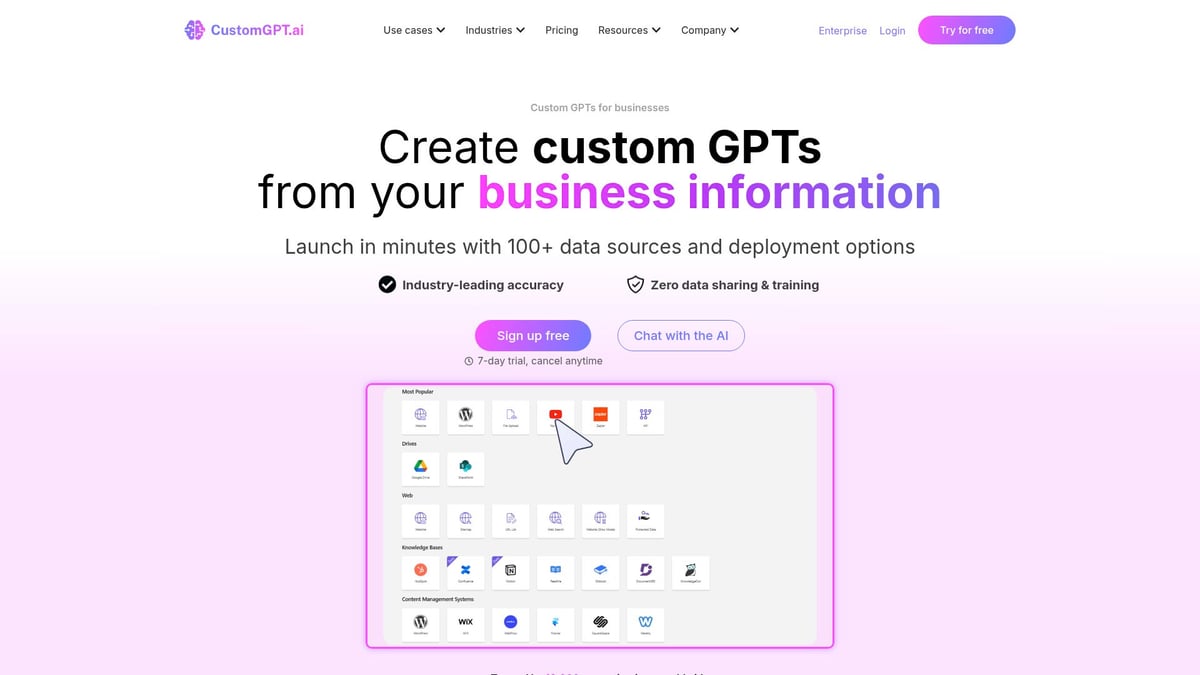
With pricing starting at $49/month, CustomGPT.AI is well-suited for organizations that prioritize personalized customer interactions and scalable AI solutions. The setup process is quick, and the platform supports multiple languages, making it accessible for global businesses.
CustomGPT.AI shines in customer support automation, lead qualification, and internal knowledge bots. While the price may be a consideration for smaller businesses, the value lies in its deep customization and rapid deployment. For hands-on insights, see Testing CustomGPT for business automation, which explores real-world experiences with this essential tool in the tools and automation landscape.
Pros and Cons Table:
| Pros | Cons |
|---|---|
| Deep customization | Pricing may be high for small businesses |
| Fast setup | Requires content preparation |
Microsoft Power Automate
Microsoft Power Automate is a workflow automation tool seamlessly integrated with the Microsoft 365 ecosystem. It offers RPA capabilities, cloud flows, and AI Builder integration, making it a natural fit for organizations already leveraging Microsoft products.
Pricing starts at $15/user/month, providing a scalable entry point for enterprises and IT professionals. Power Automate emphasizes security, mobile support, and deep integration with Microsoft applications, ensuring sensitive data remains protected while workflows run smoothly.
While the platform’s third-party integrations are fewer compared to some competitors, and advanced features require a learning curve, it excels at automating document approvals, notifications, and data collection. Power Automate is a critical player in the evolving tools and automation space for businesses committed to the Microsoft stack.
Key Benefits:
- Seamless integration with Microsoft 365
- AI-driven automation for everyday tasks
- Secure cloud architecture
AdCreative.ai
AdCreative.ai leverages artificial intelligence to automate ad creation, copywriting, and design. Marketers, agencies, and SMBs can instantly generate high-converting ad creatives, run A/B tests, and analyze performance with actionable data.
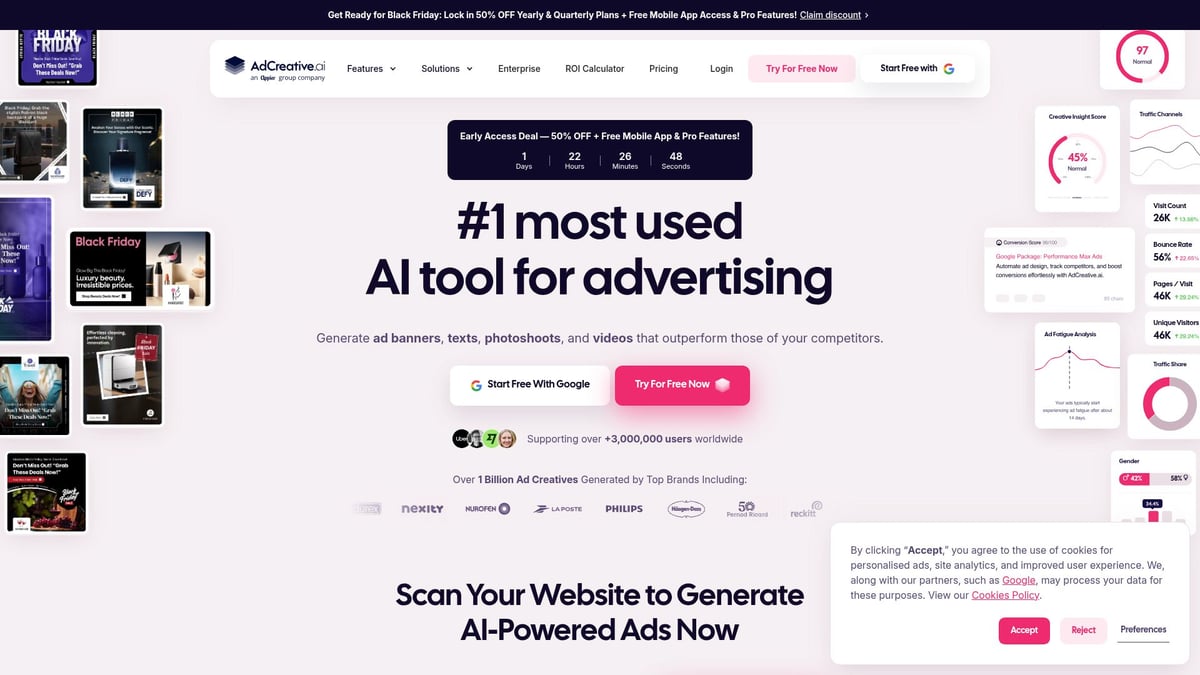
Plans start at $21/month, offering an affordable way to boost ROI on digital ads and save creative time. The platform integrates with major advertising channels, bringing data-driven optimization to every campaign. While manual design offers more creative control, AdCreative.ai excels in rapid ad generation and campaign scaling.
Users have praised its ability to improve ad relevance and streamline processes. For more insights, you can review AdCreative.ai pros and cons, which provides an in-depth look at its automation features and effectiveness.
Use Cases:
- Rapid ad creation for new campaigns
- Scaling digital advertising efforts
- Testing new markets with minimal manual effort
HubSpot Operations Hub
HubSpot Operations Hub is a robust suite for automating CRM and business processes. It offers programmable automation, workflow extensions, and seamless data sync, empowering growing businesses to centralize customer data and automate customer journeys.
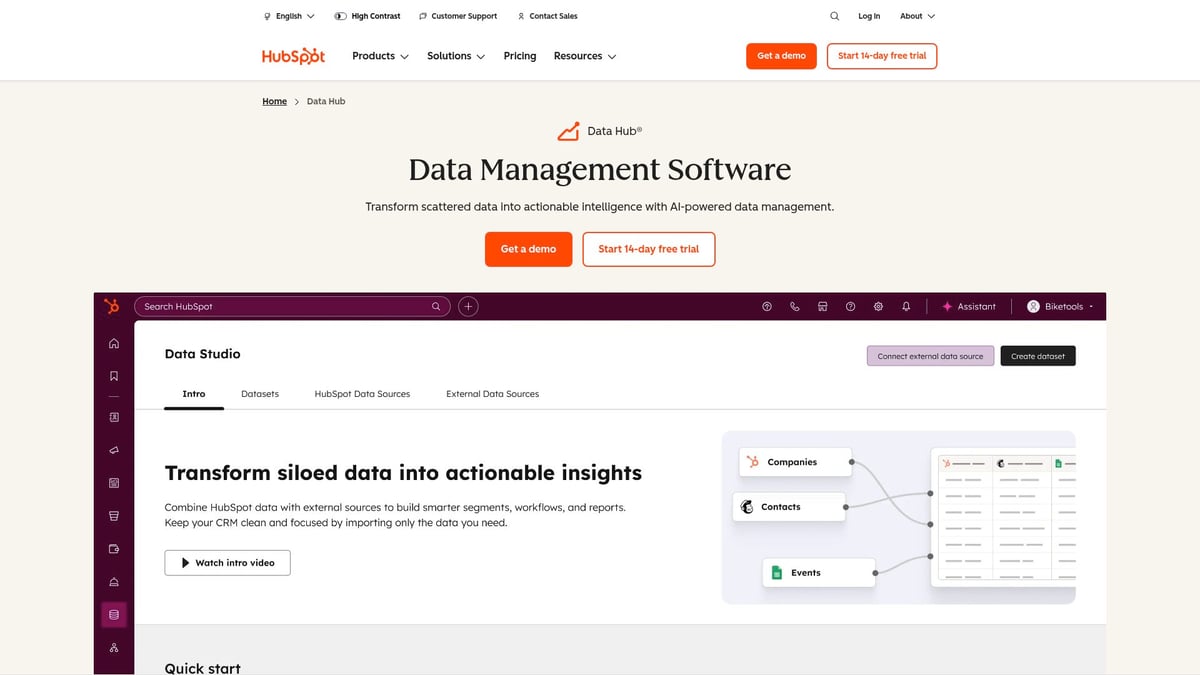
The platform provides a free tier, with paid plans starting at $50/month for advanced features. HubSpot’s unified platform and strong reporting capabilities simplify onboarding and ongoing management, making it a favorite among sales and marketing teams.
While advanced automation features are limited to higher-tier plans and costs can rise as needs grow, HubSpot Operations Hub remains a top contender among tools and automation solutions for CRM automation, pipeline management, and marketing workflows.
Pros and Cons Table:
| Pros | Cons |
|---|---|
| Unified platform | Advanced features on higher tiers |
| Easy onboarding | Can become costly at scale |
Kinsta
Kinsta offers managed WordPress hosting with built-in automation and performance optimization. Its platform features automated backups, site monitoring, and auto-scaling, ensuring websites remain secure and fast without manual intervention.
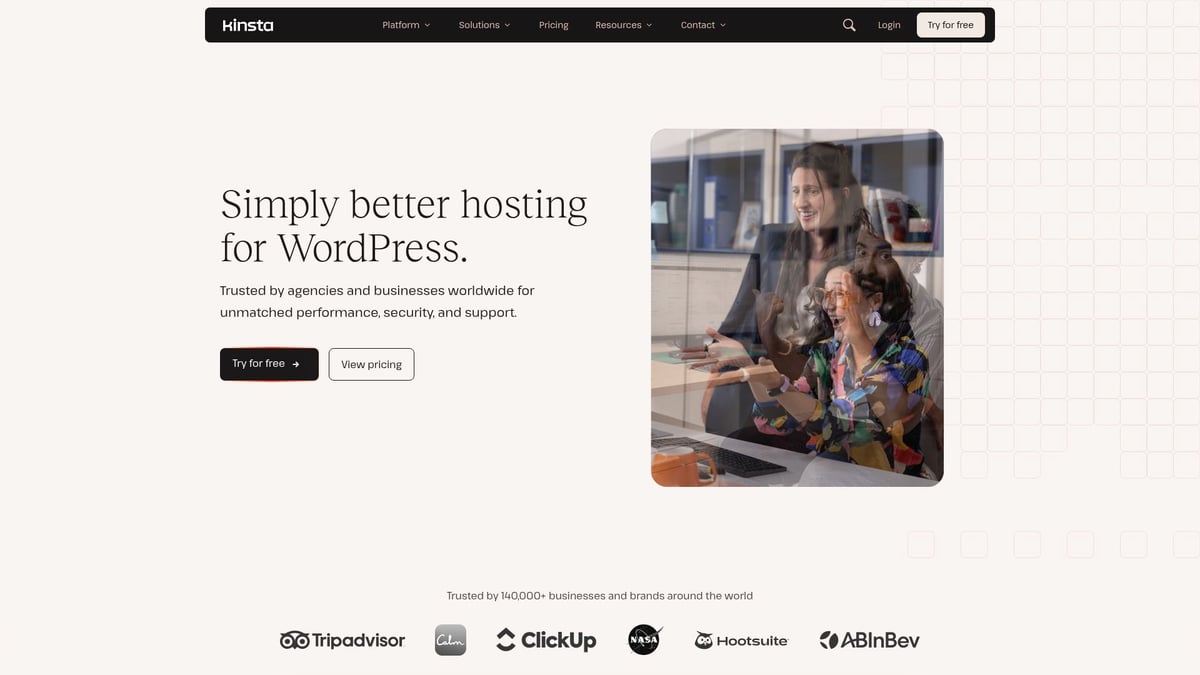
Plans start at $35/month, providing a premium experience for bloggers, e-commerce sites, agencies, and businesses relying on WordPress. Kinsta’s developer-friendly tools and 24/7 support simplify site management, while the hack-fix guarantee adds peace of mind.
Although Kinsta is exclusive to WordPress and comes at a premium, its automation capabilities make it a leader among web hosting tools and automation solutions. For a deeper dive, see this Automated web hosting with Kinsta review, which details how Kinsta streamlines website management.
Key Features:
- Automated website maintenance
- Reliable uptime monitoring
- Robust, scalable hosting infrastructure
Key Criteria for Choosing Automation Tools in 2025
Selecting the right tools and automation is vital for businesses aiming to thrive in a rapidly evolving landscape. With so many options, focusing on the criteria that matter most ensures your investment leads to lasting value and resilience.
Aligning with Business Objectives and Scalability
Begin by ensuring any tools and automation you consider align directly with your business goals. Assess how new platforms will fit into your existing workflows, not just today, but as your company grows.
Integration capabilities are essential. With 77% of enterprises now operating hybrid IT environments, seamless connectivity between tools is a must. Evaluate whether the solution supports your current tech stack and can adapt to new systems as your needs evolve. Scalability should be a core factor, allowing your business to expand without constant switching or costly upgrades.
Security, Compliance, and User Experience
As data automation increases, security and compliance become non-negotiable. Look for tools and automation that offer robust data protection, encryption, and clear compliance certifications. This is especially critical in industries handling sensitive information.
User experience is another key criterion. Intuitive interfaces and low-code or no-code options empower teams to create and manage automations without extensive technical knowledge. Training resources and strong documentation further enhance usability and adoption.
Cost, Value, and Vendor Support
Understanding the total cost of ownership is crucial. Compare subscription fees, integration costs, and potential hidden expenses. According to recent research, 73% of companies increased automation spending in 2025, making it even more important to weigh cost against anticipated ROI.
Vendor reliability matters. Prioritize partners who offer responsive support, active user communities, and continuous product updates. Real-world success stories can illustrate how selecting the right tools and automation leads to measurable improvements, while poor choices often result in wasted budgets and stalled initiatives.
Checklist for Evaluating Automation Solutions in 2025
Use this quick-reference checklist when assessing tools and automation:
| Criteria | Questions to Ask |
|---|---|
| Business Alignment | Does it fit core objectives and workflows? |
| Scalability/Integration | Can it grow and connect with other tools? |
| Security/Compliance | Are data privacy and regulations covered? |
| User Experience | Is it easy to use and well-supported? |
| Cost/Value | What is the total investment and ROI? |
| Vendor Support | Is support, training, and community strong? |
- Does the tool solve your most pressing automation needs?
- Can it adapt as your business and tech stack evolve?
- Are security and compliance up to industry standards?
- Will your team adopt and benefit from its interface?
- Is the vendor committed to ongoing improvement?
Making informed decisions about tools and automation in 2025 will set the foundation for sustainable growth, innovation, and operational excellence.
Future-Proofing Your Business: Preparing for the Next Wave of Automation
In 2025, the pace of change in tools and automation will only accelerate. Organizations that wish to remain competitive must adopt a proactive approach, viewing automation not as a one-time initiative, but as an ongoing journey. Future-proofing starts with recognizing that the only constant is change, and that the right tools and automation strategies are fundamental to business resilience.
Continuous learning is now a core requirement for every team. Upskilling and adaptability are non-negotiable as new tools and automation reshape job roles and workflows. Business leaders must foster a culture where experimentation is encouraged and employees are empowered to develop skills in AI, RPA, and digital collaboration. According to recent research, up to 85% of customer interactions handled without human agents by 2025, highlighting the urgency of preparing teams for this transformation.
Staying ahead of emerging trends is essential. AI, hyperautomation, and edge computing are rapidly evolving, and organizations need to invest in tools and automation that can scale and adapt. The prevalence of hybrid IT environments is growing, with 77% of enterprises operate hybrid IT environments in 2025. This means flexibility and integration are critical factors when evaluating new solutions.
Leadership plays a pivotal role in guiding successful adoption of tools and automation. Visionary leaders set the tone for innovation, allocate resources for pilot projects, and measure results to drive continuous improvement. Companies that embraced automation early often cite strong executive sponsorship and a willingness to iterate as keys to their success.
To truly future-proof your business, prioritize ongoing education, monitor trends, and pilot new tools and automation in small, measurable ways. Use industry reports, expert reviews, and peer communities to stay informed. Equip your teams with the right resources and mindset, and your organization will be well-positioned for the next wave of automation.




One Comment